Product model scope
Contacts
Customers, suppliers and contact people with the details the team needs to work and bill.
- Companies and people
- Addresses and tax details
- Related contacts
Product
Raccord connects areas that are often split across different tools. This map summarises the responsibility of each part of the product model.
ManualsProduct model scope
Customers, suppliers and contact people with the details the team needs to work and bill.
Product model scope
Audiovisual work, its dates, tasks, notes and the billable work it produces.
Product model scope
The financial side of each job: pricing, offers, discounts and customer acceptance.
Product model scope
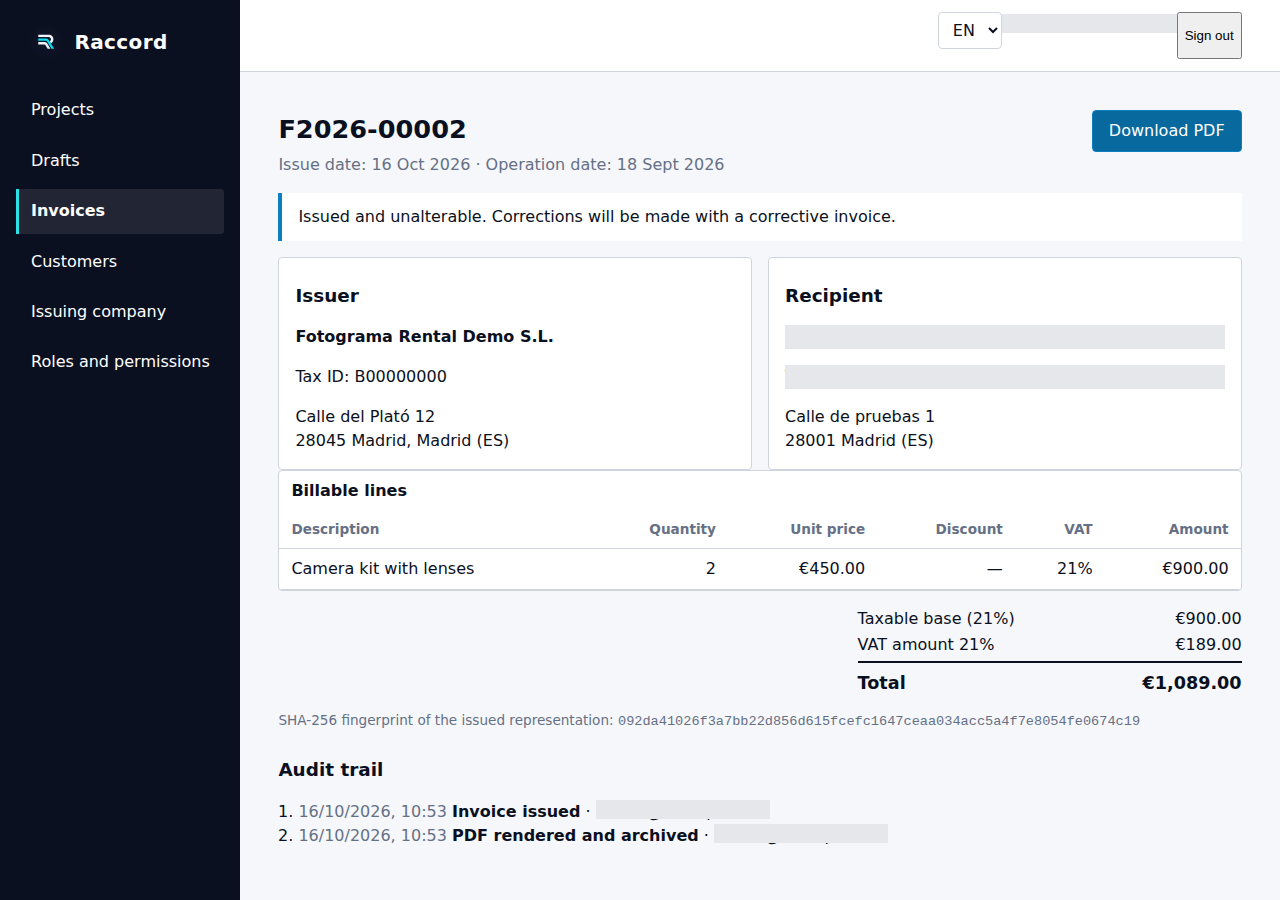
Prepare, review and issue invoices, then keep the issued document and its history.
Product model scope
The catalogue, kits, individual units and availability of equipment for rental or sale.
Product model scope
Physical equipment handling: packing lists, dispatch, returns and exceptions.
Product model scope
People, roles, availability, shifts and vehicles connected to the work.
Product model scope
Work documents and communication that accompany operations, offers and invoices.
Product model scope
Users, permissions, company settings and options for configuring an installation.
Product model scope
A record of actions and the information associated with issued documents.
This map explains the product's functional scope. Availability of each capability is being checked separately; the screenshot shows the issued-invoice workflow with browser evidence.
You can follow the full workflow in the application. See the screenshot and use the step-by-step guide.